
Workflow
How it works
The same discipline scales from a single laptop to a stack of drives on a test bench — capture reality, watch slopes, then decide with evidence.
A workflow that scales from one PC to a bench
-
1
Establish a baseline
Install on a healthy day, note temperatures under idle and load, and snapshot SMART — future-you needs a reference.
-
2
Automate gentle checks
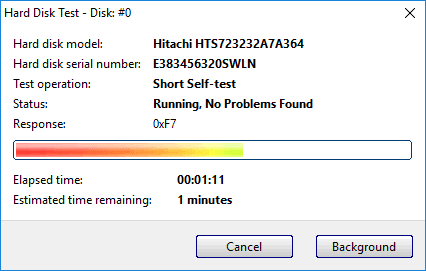
Schedule self-tests and review logs weekly for laptops; daily for NAS scratch disks or staging arrays.
-
3
React to slopes, not vibes
When reallocated sectors climb or interface errors appear, migrate data while the disk still cooperates — then retire hardware.
“We publish composite scenarios — anonymized patterns we see in support forums and shops — because realistic stories beat buzzwords. Always verify with SMART and your backup restore tests.”